
Upload your artwork, choose your options and we'll take care of the rest.
If you've got pre-prepared artwork, we'll help you turn into beautiful printed collateral.
To make the process as smooth as possible, remember to carry out a few pre-checks before you begin: is it the correct size? With the correct number of pages in the correct order? Does it have fully embedded fonts and is of high quality.
Upload your artwork and follow this super simple 3 step process:
Preview your Artwork -> Select Print Options -> Check details and confirm.
The system checks for our standard page size options, if it finds a mismatch it will ask you to check your artwork.
Ready to Go?
You must be logged in first to begin. Only one print job can be processed at a time.
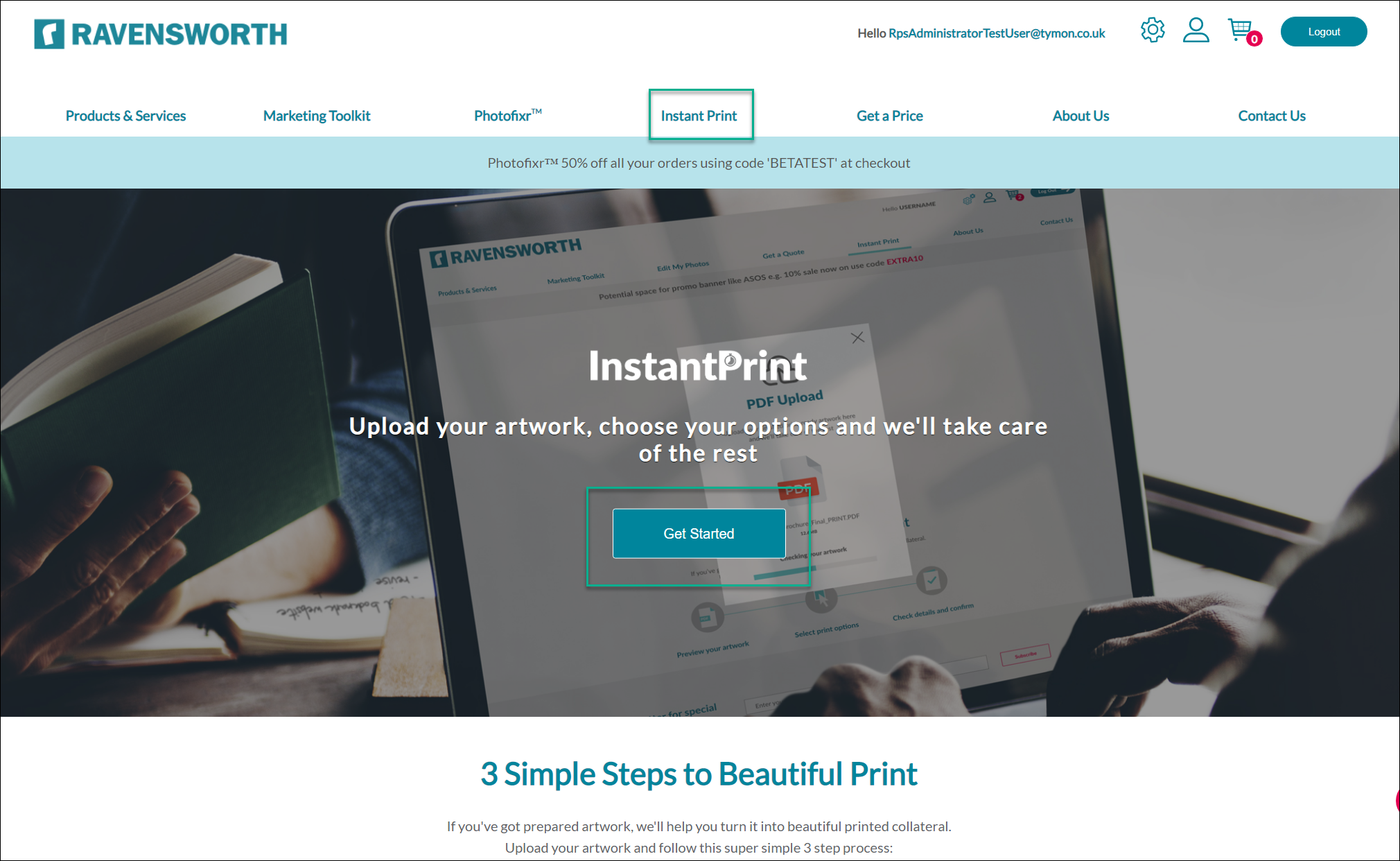
- Click on Instant Print from the top menu, then "Get Started"
- Drag and drop your .pdf from your desktop into the pop-up that opens or use the "or click yo upload link.
- Check the preview of your document before clicking the "Confirm" button. At any time you can start again by clicking the "Start Again" button to go back to the start if you wish. You will need to re-upload your .pdf file if you choose this option. Choose the product/fold type, paper type, paper weight, finishing options and quantity required. Once complete, you will be shown an Order Summary.
- Click the "Checkout" option to confirm - you will be shown the Shopping Cart which displays the details of your order along with billing details, delivery address information and a unique Order Reference Number.
- Click the "Confirm Order" option to place your order, or click "Amend Order" to go back and choose a different option or quantity required.
- After you have confirmed your order, you will be shown an order confirmation message which contains the Order Reference Number.
- Click the "View My Orders" button to check the status of your order, or download your original artwork if required.
- If you experience any problems placing an order, please contact Customer Services.
Comments
0 comments
Please sign in to leave a comment.